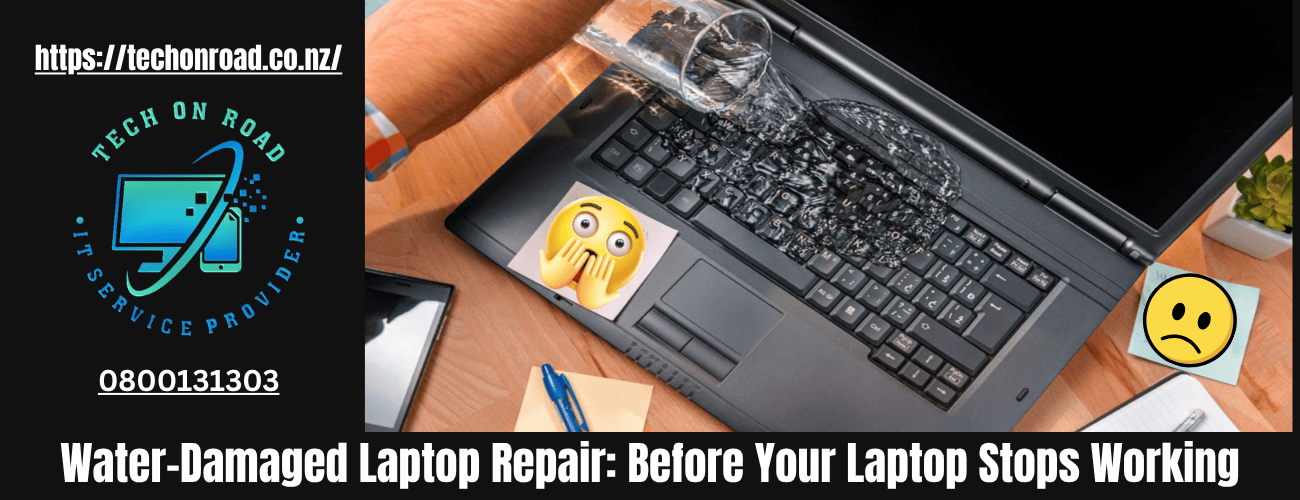
Water-Damaged Laptop Repair: What To Do Immediately After Liquid Exposure
A liquid spill on a laptop rarely looks dangerous in the first few minutes. The screen may still glow, the fan may continue spinning, and the keyboard might even respond normally. That false sense of safety is exactly why thousands of devices suffer irreversible internal damage after accidental exposure to water, coffee, soft drinks, or humidity.
Most failures happen not during the spill itself, but during the hours that follow when electricity continues moving through damp circuitry. If you are searching for water-damaged Laptop repair NZ solutions after an accident, understanding what happens internally — and what actions actually reduce damage — can save both your device and your data before the problem becomes permanent.
Why Even Small Liquid Spills Can Permanently Damage a Laptop Motherboard
A cracked screen is visible. A broken hinge is obvious. Liquid exposure is different because the most serious damage happens internally and often silently.
Modern laptops contain densely packed electrical pathways running across the motherboard, charging components, keyboard matrix, SSD, cooling system, and display connectors. Even a small amount of moisture can interrupt voltage distribution inside the device.
The biggest misconception is that water alone destroys laptops. In reality, the real danger usually comes from three combined factors:
- Active electrical current
- Conductive contaminants
- Delayed corrosion development
This is why many users believe their laptop survived initially, only to experience random shutdowns days later.
A proper water-damaged laptop repair process begins with understanding that internal damage keeps progressing long after the visible liquid disappears.
What Happens Inside a laptop after a water or Liquid Spill
Liquid exposure creates multiple layers of damage simultaneously. Some happen immediately, while others develop gradually over days or weeks.
Electrical bridging between components
When liquid reaches powered circuits, electricity begins flowing through unintended pathways. This can instantly damage capacitors, ICs, charging components, and voltage regulators.
This is one of the most common causes of an internal short circuit after a spill.
Corrosion begins faster than most people expect
Even clean-looking water contains minerals and microscopic contaminants. Once moisture reaches metal contact points, oxidation begins forming across solder joints and connectors.
Over time, motherboard corrosion can weaken electrical continuity and create unstable laptop behaviour that appears unrelated to the original spill.
Residue continues damaging components after drying
People often assume drying solves the issue. It does not.
Coffee, tea, juice, energy drinks, and soft drinks leave conductive deposits behind. These residues trap heat, attract dust, and interfere with normal voltage transfer inside the system.
That remaining contamination is known as liquid residue damage, and it is one of the leading causes of delayed hardware failure after spills.
What To Do Immediately After a Liquid Spill on a Laptop
The immediate response matters more than most repair attempts later.
If your laptop got wet, the goal is not to “save the session.” The goal is to stop electrical activity before component damage spreads.
Step 1: Shut the laptop down immediately
Do not save files. Do not continue working. Do not test whether the keyboard still works.
Every second powered on increases the risk of electrical bridging inside the motherboard.
Step 2: Disconnect all power sources
Remove:
- Charging cable
- USB devices
- SD cards
- External displays
- Docking stations
If the battery is removable, disconnect it immediately.
Step 3: Position the laptop correctly
Turn the device upside down in an inverted “V” shape to reduce liquid migration toward the motherboard and screen assembly.
Step 4: Do not apply direct heat
Hairdryers are one of the most damaging DIY responses because concentrated heat can:
- Warp keyboard layers
- Damage adhesives
- Push moisture deeper into components
- Create uneven thermal stress
Step 5: Avoid turning it back on
One of the biggest mistakes in water-damaged laptop repair cases happens when users repeatedly restart the laptop “to check if it works now.”
Repeated boot attempts often convert repairable damage into permanent board failure.
Why DIY Methods Often Make Laptop Water Damage Worse
The internet is full of “quick fixes” that sound practical but ignore how laptops are built internally.
Rice may absorb surface moisture, but it cannot remove contaminants trapped beneath integrated circuits, shielding layers, or connectors.
Similarly, leaving a device near sunlight or a fan only dries exposed surfaces while hidden moisture remains inside.
A water spill on a laptop becomes dangerous because the damage is microscopic before it becomes visible.
Professional repair environments use:
- Controlled disassembly
- Moisture inspection
- Corrosion analysis
- Board-level testing
- Precision cleaning procedures
Without these steps, moisture frequently remains trapped inside the device.
Which Liquids Cause the Most Damage to Laptops?
Not all spills damage laptops the same way.
Plain water exposure
Water may cause limited damage if:
- The system powers off immediately
- Moisture exposure is minimal
- The laptop receives rapid internal cleaning
However, mineral-heavy tap water still leaves conductive deposits behind.
Sugary beverages
Coffee, soda, and juice are significantly worse because sugar and acids accelerate corrosion.
These liquids commonly damage:
- Keyboard membranes
- Touchpad circuits
- Charging ports
- Fan systems
Alcohol-based liquids
Alcohol evaporates quickly but may still weaken coatings, adhesives, or protective films around components.
Saltwater exposure
Saltwater is among the most destructive forms of liquid exposure because salt dramatically increases conductivity and corrosion speed.
In many cases, severe saltwater exposure requires immediate water-damaged laptop repair intervention to preserve any chance of recovery.
Warning Signs of Hidden Water Damage Inside a Laptop
One reason liquid exposure is underestimated is that delayed symptoms feel unrelated to the original accident.
The laptop may appear functional initially while internal degradation continues silently.
Watch for these warning signs:
- Flickering display
- Random restarts
- The battery is draining faster than usual
- Keyboard keys are typing incorrectly
- USB ports are disconnecting intermittently
- Laptop becoming unusually hot
- Fan noise is increasing suddenly
- Wi-Fi instability
- Burning smell near vents
Many users only seek help once the laptop is not turning on after a spill situation occurs, but by that stage, the damage is often more extensive.
How Professional Water-Damaged Laptop Repair Actually Works
Most water-damaged laptops fail slowly, not instantly. That is why professional repair focuses on internal diagnostics and corrosion detection rather than simple surface drying.
During inspection, technicians usually test:
- Voltage lines and power rails
- Battery and charging response
- SSD connectivity and data access
- Keyboard and display circuitry
- Fan assemblies and cooling contamination
- Corrosion spread beneath the motherboard layers
One of the most effective recovery methods is ultrasonic cleaning, which removes conductive residue trapped beneath chips and solder joints where manual cleaning cannot reach.
At Tech On Road, we regularly inspect liquid-damaged laptops across Masterton, Hutt Valley, and Wellington, where users initially believed the laptop was “still working fine” after a spill. In many cases, hidden corrosion had already started spreading through charging circuits and motherboard layers without obvious warning signs.
We also frequently see additional damage caused by DIY drying attempts, repeated power-on testing, or incorrect cleaning methods that push moisture deeper into sensitive components. In early-stage cases, timely professional assessment can often mean the difference between a recoverable repair and a full motherboard replacement.
Data Loss Risk in Water-Damaged Laptop
For many people, the laptop itself is replaceable. The files are not.
Business documents, university projects, tax records, passwords, client files, and personal photos are often at greater risk than the hardware.
This becomes especially important with SSD data recovery situations.
Unlike older hard drives, modern SSDs can fail unpredictably after power instability. Repeated restart attempts may worsen controller damage and reduce the chances of recovery.
If the laptop still boots temporarily after a spill:
- Prioritise essential file backups immediately
- Avoid software updates
- Avoid gaming or heavy workloads
- Do not keep charging the device unnecessarily
If the device refuses to boot, stop testing it repeatedly.
Why Laptops Start Overheating After Liquid Damage
Delayed thermal issues are extremely common after liquid exposure.
Residue accumulation can:
- Block fan airflow
- Interfere with thermal sensors
- Damage cooling control circuits
- Reduce heat transfer efficiency
This often leads to overheating after spill incidents, even when the device appears operational.
In many cases, users mistake this for an ageing battery or software slowdown when the real issue is unresolved contamination inside the motherboard or cooling assembly.
Delay can increase the Repair Cost of a water-damaged laptop
Liquid damage rarely improves on its own.
The longer contaminants remain inside the system:
- The further corrosion spreads
- The higher the repair complexity becomes
- The greater the risk of permanent motherboard damage
- The lower the probability of component recovery becomes
Early inspection often allows technicians to isolate damage before complete component failure occurs.
Delaying a liquid damage laptop fix for several weeks can turn a cleanable motherboard into a full replacement scenario.
Act Early Before Hidden Laptop Damage Becomes Permanent
A laptop that still turns on is not necessarily a healthy laptop.
Liquid exposure creates progressive internal damage that may remain invisible until critical components begin failing. That is why the smartest response is immediate shutdown, controlled handling, and professional evaluation before corrosion spreads further.
If you have experienced a spill recently, do not focus only on whether the laptop powers on today. Focus on whether hidden contamination is already damaging the device internally.
Acting early gives you the best chance of preserving your motherboard, protecting your files, reducing repair costs, and restoring long-term stability through professional water-damaged laptop repair.