Computer & IT Services in Bob Scott, NZ – Tech Experts at Your Doorstep
Why struggle with technology problems when professional help is just a phone call away?
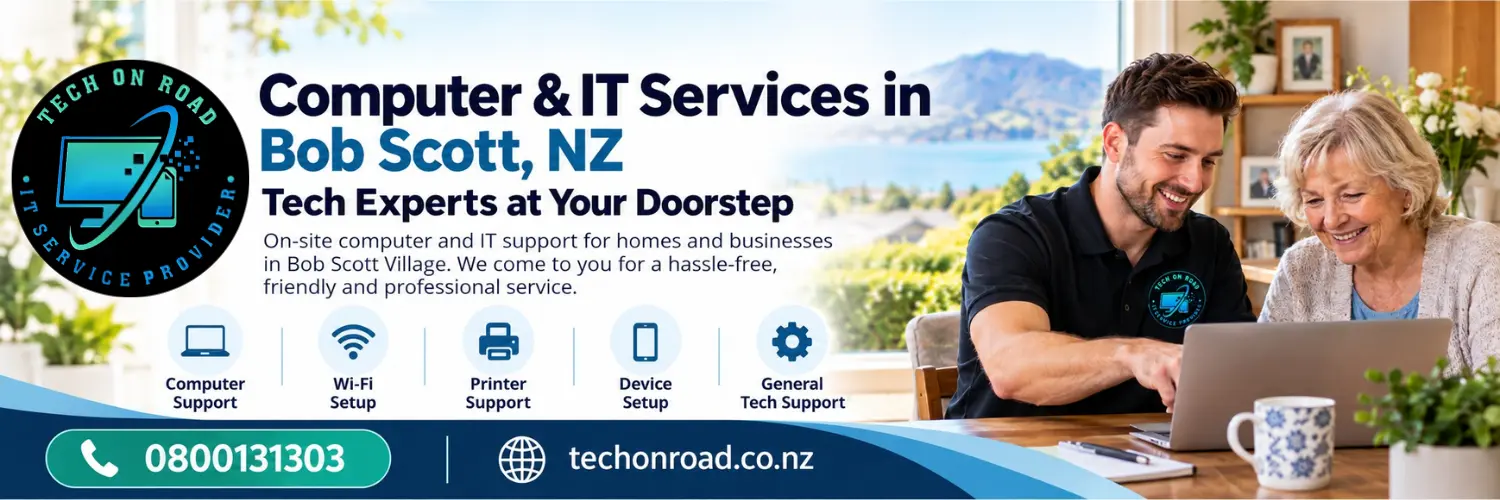
A computer that won’t start, a printer that refuses to connect, an unreliable Wi-Fi connection, or a new device that needs setting up—whatever the problem, Tech On Road brings on-site computer & IT services in Bob Scott, NZ for homes and businesses.
With a local presence in Petone and experience serving New Zealand customers since 2018, we come to you, diagnose the problem, and help get your technology working again—without the hassle of taking your equipment to a repair centre.
Call Our Team: 0800131303 | Book an On-Site Technician
Tech On Road – Your Local Computer & IT Support in Bob Scott, NZ
Tech On Road is an established New Zealand computer and IT services provider, helping Kiwi households and businesses resolve technology problems since 2018.
For residents of Bob Scott Village and businesses in the surrounding Petone area, our experienced, trained technicians handle computer hardware and software repairs, network troubleshooting, printer connectivity, data recovery, security systems, and device upgrades.
With professional diagnostic tools and practical technical knowledge, we assess faults, identify suitable repair options, and address technology issues across different systems and devices.
Whether you need a one-time repair, help with existing equipment, or ongoing IT support, Tech On Road explains the problem, discusses recommended repairs and costs before proceeding, uses quality replacement components where needed, and tests completed repairs.
Tech Repairs & IT Solutions for Bob Scott Homes & Businesses
From everyday technical problems to complex IT requirements, our computer & IT services in Bob Scott, NZ bring professional on-site repairs, maintenance and complete technology solutions right to your doorstep, tailored to your needs.
1. Computer & Laptop Repair
Get your computer working properly again.
Desktop and laptop diagnostics, startup failures, broken screens, overheating, software crashes, hardware faults, and slow performance. We identify the cause and provide suitable repair solutions for Windows PCs and laptops.
2. Printer Repair & Support
Get back to printing, scanning and copying without the frustration.
From printer installation and wireless setup to paper jams, print-quality issues, offline errors and driver problems, we help restore printing and scanning across your home or office devices.
3. Internet & Wi-Fi Support
Enjoy dependable internet connections throughout your home.
Router and modem setup, Wi-Fi coverage improvements, mesh network configuration, connectivity troubleshooting and device connections. We help resolve weak signals, dropouts and unreliable home or business networks.
Explore Internet & Wi-Fi Solutions →
4. Computer & Smart Device Setup
New technology, professionally set up and ready to use.
New computers, laptops, smartphones and tablets configured with essential software, accounts, email, Wi-Fi, printers and peripherals. We also assist with transferring compatible files and settings from your previous device.
Explore Device Setup & Training →
5. Email Setup & Support
Keep your emails accessible, connected and working across devices.
Email account setup, Outlook and other email applications, password and sign-in issues, sending and receiving errors, synchronisation and account configuration on computers, smartphones and tablets.
6. Virus & Malware Removal
Remove unwanted software and regain control of your computer.
Virus and malware detection, suspicious pop-ups, browser hijacking, unwanted applications and security-related performance problems. We remove identified threats and help improve device protection.
Explore Virus & Malware Solutions →
7. Data Recovery
Give lost files and precious memories the best possible chance of recovery.
Accidentally deleted photos, missing documents, inaccessible drives and storage failures. We assess hard drives, SSDs, USB drives and memory devices to determine suitable data recovery methods.
Explore Data Recovery Services →
8. Computer Upgrades
Improve your computer’s speed and usefulness without replacing it unnecessarily.
SSD upgrades, RAM expansion, storage replacement and compatible hardware improvements. We assess your existing system and recommend upgrades that can improve startup speed, responsiveness and everyday performance.
Explore Computer Upgrade Options →
9. Mobile Phone Repair
Get more life from the smartphone you rely on every day.
Cracked or damaged screens, battery replacement, charging-port faults, power issues and common smartphone hardware problems. We assess the fault and recommend suitable repair options.
Explore Mobile Phone Repairs →
10. VHS to Digital Conversion
Bring your old family recordings into today’s digital world.
Convert VHS home movies, celebrations, family occasions and treasured recordings into digital video files. Make your memories easier to watch, store, copy, and share with family.
Explore VHS Conversion Services →
11. CCTV Setup & Support
Keep your home or business security cameras working as intended.
CCTV camera installation, system configuration, recording and connectivity issues, camera troubleshooting, repairs and maintenance. We help with new installations and existing security camera systems.
12. Home & Business IT Support
One point of contact for your everyday technology and wider IT requirements.
Computer and workstation support, network setup, software troubleshooting, device integration, technical maintenance and remote assistance. From a single home computer to a small business IT environment, we help keep essential systems operating.
Need a Tech Call Out in Bob Scott, NZ?
Whether it’s a single device problem or multiple technology issues, tell us what you need. Our technicians can assess your requirements and arrange suitable on-site assistance in Bob Scott.
Call 0800 131 303 | Book a Tech Call-Out
Why Choose Tech On Road for Computer & IT Services in Bob Scott?
Choosing the right provider for Computer & IT Services in Bob Scott, NZ means finding a team you can trust with your equipment, your time and your everyday technology needs. Here’s what makes Tech On Road a dependable choice.
Tech Support at Your Doorstep
No packing up computers or untangling cables. Our technicians come to your Bob Scott home or workplace.
Trusted by 2,500+ Customers
Helping New Zealand households and businesses resolve technology problems since 2018.
Skilled Hands, Proper Diagnosis
Trained technicians, professional diagnostic tools and repair recommendations based on the actual fault.
Clear Costs. No Surprise Repairs.
We explain the recommended work and associated costs before proceeding, so you stay informed and in control.
We Help You Keep What Works
Repair or upgrade options for existing equipment where practical—not an automatic recommendation to buy new.
One Tech Team for Everything
One dependable point of contact for your household devices, connected technology and business IT requirements.
How Our On-Site Computer & IT Services Work in Bob Scott
Getting Computer & IT Services in Bob Scott, NZ shouldn’t involve disconnecting equipment, travelling to a workshop or figuring out technical faults yourself. With Tech On Road, getting help starts with one call.
01. Tell Us What’s Happening
Call 0800 131 303 or book online. Describe your technology problem and arrange a suitable appointment.
02. We Visit Your Location
Our technician comes to your Bob Scott home or workplace at the arranged time, assesses the problem and explains the recommended work.
03. We Repair & Test
Once you approve the work, we carry out the required technical service and test completed repairs where applicable.
Need On-Site Computer Repairs or IT Support in Bob Scott? We Come to You.
Why disconnect your equipment or travel to a repair shop when an experienced local technician can come to you?
Call 0800 131 303 | Book an On-Site Technician
Choose Tech On Road for convenient home and workplace visits, professional technical assistance and a dedicated team you can contact for a wide range of technology needs.
Name: Tech On Road
Address: 214 Jackson Street, Petone, Lower Hutt 5012, New Zealand
Email: help@techonroad.co.nz
FAQs About Computer & IT Services in Bob Scott Village
1. Can I arrange an urgent computer or IT technician call-out in Bob Scott?
Yes. If you’re staying at Bob Scott Village in Petone and your computer suddenly stops working, your internet connection fails or an important device develops a fault, call 0800 131 303.
Explain the problem and how urgently you need assistance. Our team will discuss available appointments and arrange the earliest suitable on-site technician visit, subject to availability.
2. What if my computer or IT problem isn’t fully resolved or happens again after the repair?
At Tech On Road, we believe in taking responsibility for our workmanship and ensuring Bob Scott residents receive reliable technical support, even after the initial service is completed.
If the same problem persists or recurs after a repair, simply call 0800 131 303. Our team will review the previous repair, arrange a follow-up assessment where necessary, and work to resolve the issue properly.
3. How much does an on-site computer repair visit to Bob Scott cost?
The cost depends on the service required, the nature of the fault and whether replacement parts or additional work are needed. Call 0800 131 303 to discuss the applicable call-out charges and pricing. Our technicians explain recommended repairs and associated costs before proceeding with additional work.
4. Will my personal photographs, documents and files be safe during repairs?
We understand that your computer may contain important personal information and treasured memories. Our technicians can discuss data protection and backup options before repairs involving your storage or operating system. As data loss can occur with some faults or repair procedures, please mention any important files when booking.
5. Can you help me use my new smartphone, laptop or tablet?
Yes. Our on-site computer & IT Services in Bob Scott, NZ, help you set up new devices, connect to Wi-Fi, configure email, install applications, and transfer compatible files. We can also explain essential settings and functions so you feel more confident using your device.
6. Can you fix more than one technology problem during the same home visit?
Yes, you can request assistance with multiple issues, such as a slow computer, printer connection, and Wi-Fi problem. Mention everything when booking so we can discuss the work involved and arrange sufficient assistance where possible.