ONT Box Repair NZ – Fibre Box Faults, Damage & Connection Problems
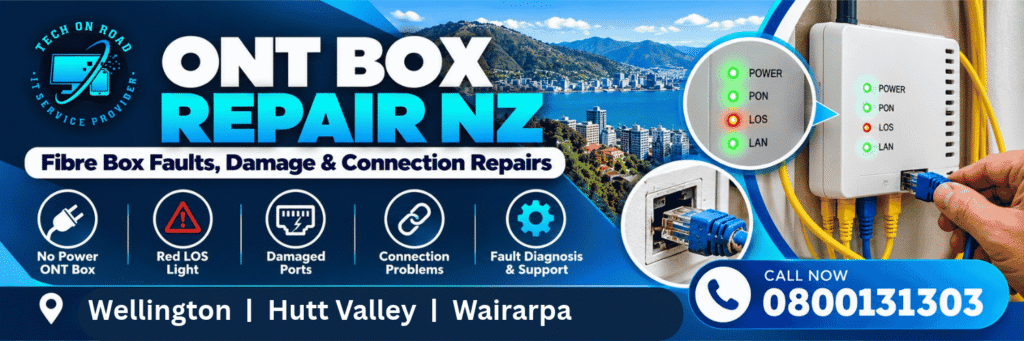
ONT box not working? Fibre box has no power, a red LOS light or a damaged connection? Get professional on-site technical support from Tech On Road.
When your fibre box stops working, your entire internet connection can be affected. For a household, that means interrupted work, study and communication. For a business, it can mean disconnected payment terminals, inaccessible cloud systems and lost productivity.
You need more than instructions to restart your router. You need to identify the faulty component and get the right technical help.
Tech On Road provides on-site ONT fault diagnosis, fibre box connection troubleshooting and customer-side network repair support across Wellington, Hutt Valley, Porirua, Kapiti Coast and Wairarapa.
From power and Ethernet connection problems to suspected ONT hardware failure, we help determine what can be resolved locally and when an authorised fibre network repair is required.
Call 0800 131 303 – Book an On-Site ONT Assessment
Fibre Box & ONT Box Repair NZ
A faulty fibre box doesn’t always mean the ONT needs replacing. Power connections, Ethernet ports, router configuration and fibre signal faults can produce similar symptoms.
Tech On Road helps identify the source of the problem so the appropriate repair or replacement process can begin.
ONT Box Power Fault Diagnosis
Fibre box completely dead? No power light?
An ONT that won’t switch on may have a disconnected power supply, faulty outlet, damaged power connection or internal hardware problem.
Our on-site support includes checking accessible external power connections and assessing whether the symptoms indicate a power issue or suspected ONT failure.
This helps determine whether customer-side work is possible or whether the broadband provider needs to arrange an approved equipment replacement.
ONT Red LOS Light & Optical Signal Faults
Red LOS light showing on your fibre box?
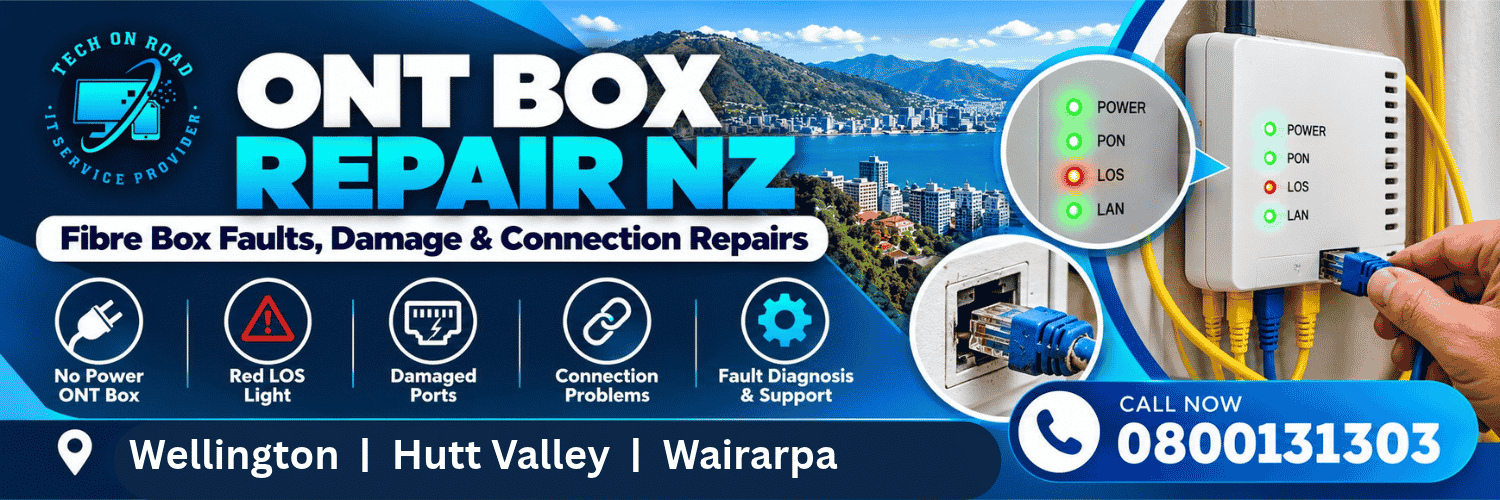
LOS means Loss of Signal. On ONT models with this indicator, a red LOS light generally suggests an optical connection problem.
The cause may involve a damaged fibre cable, disturbed optical connection or upstream network fault.
Tech On Road can assess connected customer-side equipment and help establish whether the problem is within the local networking setup or requires investigation by the fibre network operator.
For suspected physical cable damage, see our Fibre Optic Cable Repair NZ guide.
Damaged ONT Ports & Connection Problems
Ethernet cable loose? Internet stopped after moving the router?
A damaged Ethernet connector, faulty cable or ONT port issue can interrupt the connection between your fibre box and router.
Tech On Road can inspect accessible Ethernet connections, identify damaged customer-owned cables and assist with supported replacement and reconnection work.
If the ONT’s own port is damaged, we can help identify the fault and the appropriate authorised repair process.
ONT Hardware Fault Identification
Fibre box powered on but behaving unpredictably?
Unexpected restarts, missing indicator lights or persistent connectivity failures may point towards a hardware problem.
Our technicians can investigate accessible connections and related networking equipment to help distinguish suspected ONT hardware failure from router or customer-side cable faults.
Where network-owned ONT equipment needs replacement, the broadband provider and relevant network operator must arrange the authorised work.
ONT-to-Router Connection Troubleshooting
Fibre box lights look normal, but there’s still no internet?
The problem may be outside the ONT itself.
A faulty Ethernet cable, incorrect WAN connection, router configuration issue or other customer-side networking fault can prevent internet access.
Tech On Road provides on-site networking support to investigate these connections and help restore supported customer-side connectivity.
Need help identifying the fault? Call 0800 131 303.
Why Choose Tech On Road for ONT Box Support?
Your fibre connection involves more than one piece of equipment. The ONT, router, Ethernet connections and local network all need to work together.
That’s why an on-site IT and networking technician can be valuable when the source of the problem isn’t obvious.
Tech On Road has provided technology support in New Zealand since 2018, serving residential and business customers through on-site appointments.
Technical Support Where Your Equipment Is Installed
You don’t need to disconnect your entire networking setup and transport it to a workshop.
An on-site assessment allows the technician to examine accessible equipment and connections in their normal operating environment.
Wider Networking Expertise
Tech On Road also provides internet setup, router configuration, Wi-Fi troubleshooting and computer networking support.
That matters because an apparent fibre box failure may actually be caused by the router, Ethernet connection or another customer-side networking component.
Practical Recommendations
We focus on identifying the likely cause before recommending additional work.
If the fault is within supported customer-side equipment, we can discuss the appropriate solution. If the network-owned ONT requires authorised repair or replacement, we can help identify the next step.
Local Home & Business Support
Our on-site service covers Wellington, Hutt Valley, Porirua, Kapiti Coast and Wairarapa, helping customers access technical assistance without relying entirely on remote troubleshooting.
Speak With Tech On Road – 0800 131 303
How Our ONT Fault Support Works
Step 1: Tell Us About the Problem
Contact Tech On Road and describe what your fibre box is doing.
For example, tell us whether the ONT has no lights, displays a red LOS indicator, has a damaged Ethernet port or stopped working after equipment was moved.
Step 2: Arrange an On-Site Assessment
We discuss your location, equipment and symptoms to determine whether an on-site visit is appropriate.
Step 3: Investigate the Connection
The technician assesses relevant accessible customer-side power connections, Ethernet cabling, router connectivity and ONT indicators.
Step 4: Identify the Appropriate Solution
Where a supported customer-side issue is identified, we explain the available repair, replacement or configuration options.
If the fault involves network-owned fibre infrastructure, we identify the need for authorised provider involvement.
Step 5: Verify Supported Connection Work
After customer-side repair or configuration work, the relevant connections can be checked to confirm whether the identified issue has been resolved or whether further provider-side work is required.
Call 0800 131 303 to arrange an assessment.
Residential & Business ONT Box Support
Fibre Box Problems at Home
A failed internet connection can affect remote working, video calls, smart home devices, online study and everyday connectivity.
Whether your ONT has no power or your router cannot establish a connection, Tech On Road can investigate supported customer-side equipment and help determine the appropriate resolution.
ONT & Fibre Connectivity Problems for Businesses
A fibre-related fault can affect much more than web browsing.
Point-of-sale terminals, cloud software, VoIP calling, office computers and other connected business systems may all depend on the same internet connection.
Tech On Road provides on-site networking assistance to help identify local connection faults and support the restoration of customer-side networking services.
For network-owned ONT or fibre faults, the relevant broadband provider remains responsible for arranging authorised infrastructure repairs.
ONT Box Repair NZ – Repair or Replacement?
Not every ONT-related fault requires a new fibre box.
A damaged Ethernet lead, disconnected router cable or customer-side configuration problem may be resolved without replacing the ONT.
However, if the fibre box itself has suffered hardware failure, physical damage or an optical network fault, authorised provider involvement may be necessary.
For example, Chorus provides official guidance on its ONT equipment and indicator lights, including situations where customers should contact their broadband provider.
The most useful first step is identifying which part of the connection has failed.
Tech On Road can assist with supported local networking faults and help determine whether the problem requires an authorised fibre repair.
ONT Box Repair NZ Across Wellington, Hutt Valley & Wairarapa
Tech On Road provides on-site IT and networking services throughout its regional coverage area.
Wellington: Wellington City, Johnsonville, Karori, Newtown, Miramar, Tawa and surrounding suburbs.
Hutt Valley: Lower Hutt, Upper Hutt, Petone, Naenae, Wainuiomata, Trentham and Silverstream.
Porirua & Kapiti Coast: Porirua, Whitby, Plimmerton, Paraparaumu and Waikanae.
Wairarapa: Masterton, Carterton, Greytown, Featherston, Martinborough and surrounding communities.
Contact us with your suburb and ONT problem to discuss technician availability and the appropriate service.
Call Now: 0800 131 303
Book Your On-Site ONT Assessment
Frequently Asked Questions
Can Tech On Road repair an ONT box?
Tech On Road provides on-site ONT fault diagnosis, accessible connection checks and supported customer-side networking repairs. Physical repair or replacement of network-owned ONT hardware requires authorised arrangements.
Why is my ONT box not working even though it has power?
Possible causes include a faulty Ethernet connection, router configuration issue, broadband service fault or ONT hardware problem. An assessment can help distinguish between these possibilities.
What should I do if my fibre box has no lights?
Check that the power outlet is functioning and that the existing approved power supply is securely connected, without opening or modifying the ONT. If the box remains unresponsive, further assessment or provider assistance may be required.
Does a red LOS light mean the fibre box is broken?
Not necessarily. A red LOS indicator generally points to an optical signal problem on applicable ONT models. It does not, by itself, prove that the ONT hardware is faulty.
Can a damaged ONT Ethernet port be fixed?
A faulty customer-owned Ethernet cable can often be replaced. If the ONT’s physical port is damaged, the appropriate authorised network-provider repair process may be required.
Do you provide ONT box support in Lower Hutt and Masterton?
Yes. Tech On Road provides on-site IT and networking assistance across Lower Hutt, Masterton and surrounding service areas, subject to appointment availability.