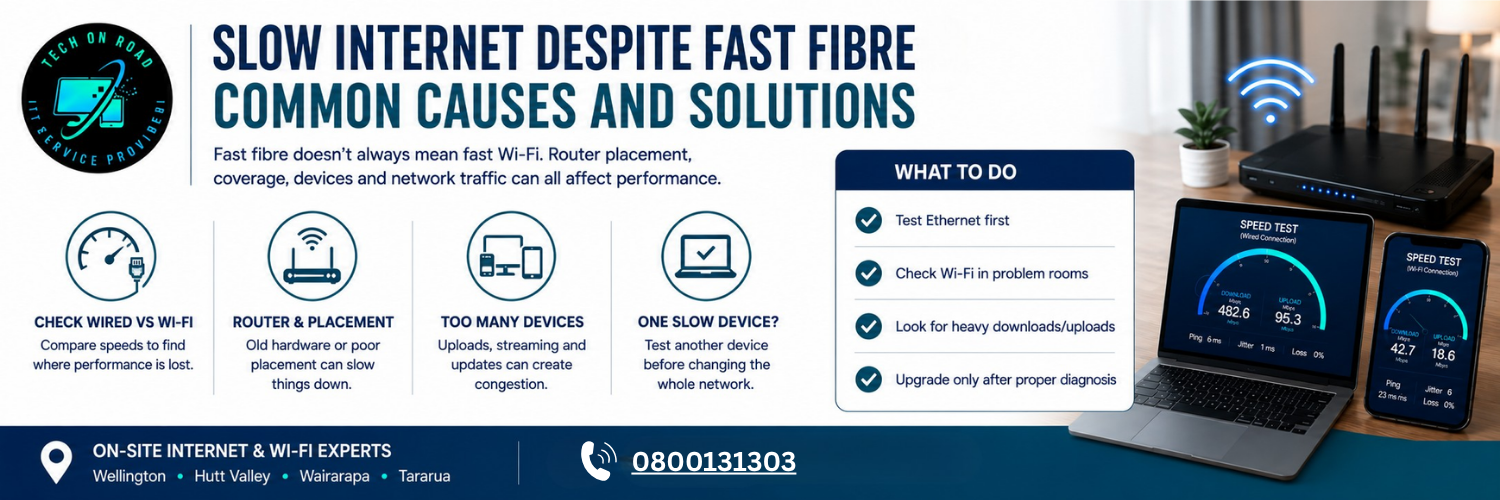
Slow Internet Despite Fast Fibre: Common Causes and Solutions
Paying for a fast fibre plan but still waiting for websites to load, watching videos to pause, or seeing video calls freeze is frustrating. Your advertised broadband speed, however, is only one part of the journey between the fibre network and the device you use.
Slow internet despite fast fibre can be caused by the router, Wi-Fi coverage, device capabilities, network traffic, or how your home network is configured.
This is why understanding the professional Internet & Wi-Fi setup matters. Before changing providers, paying for a faster plan or buying a new modem/router, it is worth finding exactly where performance is being lost.
Fast Fibre Does Not Always Mean Fast Wi-Fi
A fibre connection brings internet service to your property, but your router then distributes that connection to phones, computers, televisions and other devices. From there, the final connection may travel through Wi-Fi or Ethernet.
That distinction explains why slow internet despite fast fibre does not automatically indicate a problem with your broadband provider. If an Ethernet-connected computer performs well while a laptop in another room struggles, the evidence points towards your local network rather than the fibre service.
Compare wired and Wi-Fi speeds first
Run an internet speed test on a computer connected directly to the router using Ethernet. For independent New Zealand broadband performance data, you can also refer to the Commerce Commission’s Measuring Broadband New Zealand programme, which compares real-world broadband performance across different technologies and plans
The results can quickly narrow down the cause:
- Ethernet fast, Wi-Fi fast: The connection is probably healthy.
- Ethernet fast, Wi-Fi slow elsewhere: Coverage or wireless conditions are more likely.
- Ethernet slow, Wi-Fi slow: Investigate the router, service or equipment.
- Only one device slow: Investigate that device before changing the network.
This approach helps resolve broadband speed issues according to their actual cause rather than assuming every slowdown requires a faster plan.
Your Router May Be Limiting Your Connection
A fast fibre service cannot compensate for networking equipment that cannot efficiently process or distribute that capacity. Slow internet despite fast fibre is therefore possible when the router is outdated, poorly configured or struggling with the number of devices connected to it.
Older hardware may not match your fibre plan
Routers differ in wireless standards, Ethernet capabilities, processing power and the number of simultaneous connections they can handle. A router that worked perfectly for a small household several years ago may struggle when the same property now has smart TVs, work laptops, phones, cameras, gaming consoles and connected appliances.
Look beyond the maximum Wi-Fi speed printed on the box. Consider the router’s performance under real household demand.
Router placement affects real-world results
A capable router can still perform poorly when placed inside a cabinet, behind a television, on the floor or at one end of a long property.
Imagine a Masterton home where the router is beside the fibre termination point in the front lounge, while the home office sits behind several internal walls. The connection may be excellent beside the router but frustrating at the desk. Buying a faster broadband plan will not remove those physical obstacles.
Wi-Fi Signal Strength Can Vary Throughout Your Home
When users search for fibre internet slow, they are often describing the experience rather than identifying the source of the fault. Wi-Fi is affected by distance, walls, floors, household materials and competing wireless signals.
1. Distance and building materials matter
Concrete, brick, metal, cabinetry and multiple floors can weaken wireless signals. This is particularly noticeable in larger or multi-level homes where one router has to cover several rooms.
The result can be a slow WiFi connection in a bedroom or office while the same network performs well in the room containing the router.
2. Interference from nearby networks can affect Wi-Fi
Apartments, townhouses and closely spaced properties may have many wireless networks operating within range of each other. WiFi interference can affect reliability when multiple networks compete for overlapping channels.
Pay attention to patterns. If performance is consistently good beside the router but poor in one room, coverage is more likely than a fibre fault. If performance changes at particular times, wireless conditions and household usage should also be investigated.
Too Many Connected Devices Can Affect Performance
Modern homes have many devices operating in the background. Phones synchronise photographs, computers back up files, cameras upload footage, televisions update applications and gaming consoles download large files.
This creates network congestion that may not be obvious to anyone using the network.
1. Background uploads can slow down other activities
Download speed gets most of the attention, but upload traffic matters too. A large cloud backup can compete with a video meeting, while several security cameras continuously uploading footage can place significant demand on the connection.
That is one reason slow internet despite fast fibre may appear suddenly at certain times without any change to the broadband plan.
2. Check what is consuming bandwidth
If your router provides connected-device or traffic information, check it while the problem occurs. Look for:
- Large game downloads or updates
- Cloud-storage synchronisation
- Security-camera uploads
- Multiple high-resolution streams
- Automatic operating-system updates
- Unusually heavy activity from an unknown device
Identifying these patterns is an important part of home network troubleshooting, particularly when several devices appear to slow down at the same time
One Slow Device Does Not Mean Your Network Is Slow
If most devices work normally, changing the router may accomplish nothing. An outdated Wi-Fi adapter, old network driver, overloaded computer, browser extension, or background process can make one laptop appear to have a network problem.
Try the same website or online service on another device from the same location. If your phone loads quickly while one laptop struggles, the problem is probably local to that device.
This is an important part of internet troubleshooting because it prevents the replacement of healthy network equipment unnecessarily.
Slow Internet Despite Fast Fibre – Follow the Pattern to Identify The Cause
Different symptoms provide useful clues. Instead of asking only why the connection feels slow, consider when, where, and on which devices the problem occurs.
|
What you notice |
What it may indicate |
|
Slow everywhere, including Ethernet |
Service, router or connection issue |
|
Fast beside router, slow in bedrooms |
Coverage or placement |
|
One laptop is slow |
Device or adapter |
|
Problems mainly at busy times |
Wireless or network congestion |
|
Video calls freeze while downloads run |
Latency, upload demand or congestion |
|
Streaming pauses in one room |
Coverage or signal quality |
|
Connection repeatedly disconnects |
Router, Wi-Fi, configuration or service |
For example, slow browsing on every device connected by Ethernet suggests a very different problem from streaming buffering only in an upstairs bedroom. Recognising that distinction makes diagnosis considerably faster.
When Should You Upgrade Your Router Or Contact Your Provider?
The right solution depends on where the slowdown occurs. Before paying for a faster fibre plan, match the problem to the appropriate fix.
- Wi-Fi is weak in certain rooms: Reposition the router or consider a mesh Wi-Fi or access-point solution.
- Your router is older or struggling with multiple devices: Check whether the hardware can handle your current fibre plan and household usage.
- A stationary device needs reliable performance: Use Ethernet where practical for desktop computers, televisions or gaming consoles.
- Wi-Fi coverage is difficult across the property: A professionally positioned mesh system or additional access point may provide more consistent coverage.
- Ethernet is also consistently slow: Test at different times and speak with your provider about possible fibre connection problems.
Tech On Road works as Internet & Wi-Fi Experts, providing on-site support across Wellington, Hutt Valley, Wairarapa and Tararua in New Zealand. We can assess router placement, mesh configuration, Wi-Fi coverage and network equipment on-site, along with services such as modem replacement, Wi-Fi extenders, LAN networking and Wi-Fi troubleshooting.
For customers seeking Wellington internet support, on-site assessment can help determine whether the issue is with the incoming service or the network distributing it.
Choose The Fix Based On The Problem, Not The Plan Speed
Slow internet despite fast fibre becomes much easier to solve when the connection is treated as a chain rather than one service. Test wired and wireless performance, compare different rooms and devices, check background traffic, and pay attention to when the slowdown occurs.
If Ethernet is strong but Wi-Fi is weak, investigate coverage and network design. If wired performance is also poor, investigate the router, equipment or provider. If only one device struggles, start there.
The practical goal is to improve internet speed where you actually experience the problem, rather than simply paying for a faster broadband plan.
And remember: slow internet despite fast fibre does not automatically mean you need a faster plan. The better question is where your existing connection is losing performance. Once that point is identified, the right fix is usually clearer, more cost-effective and more reliable.