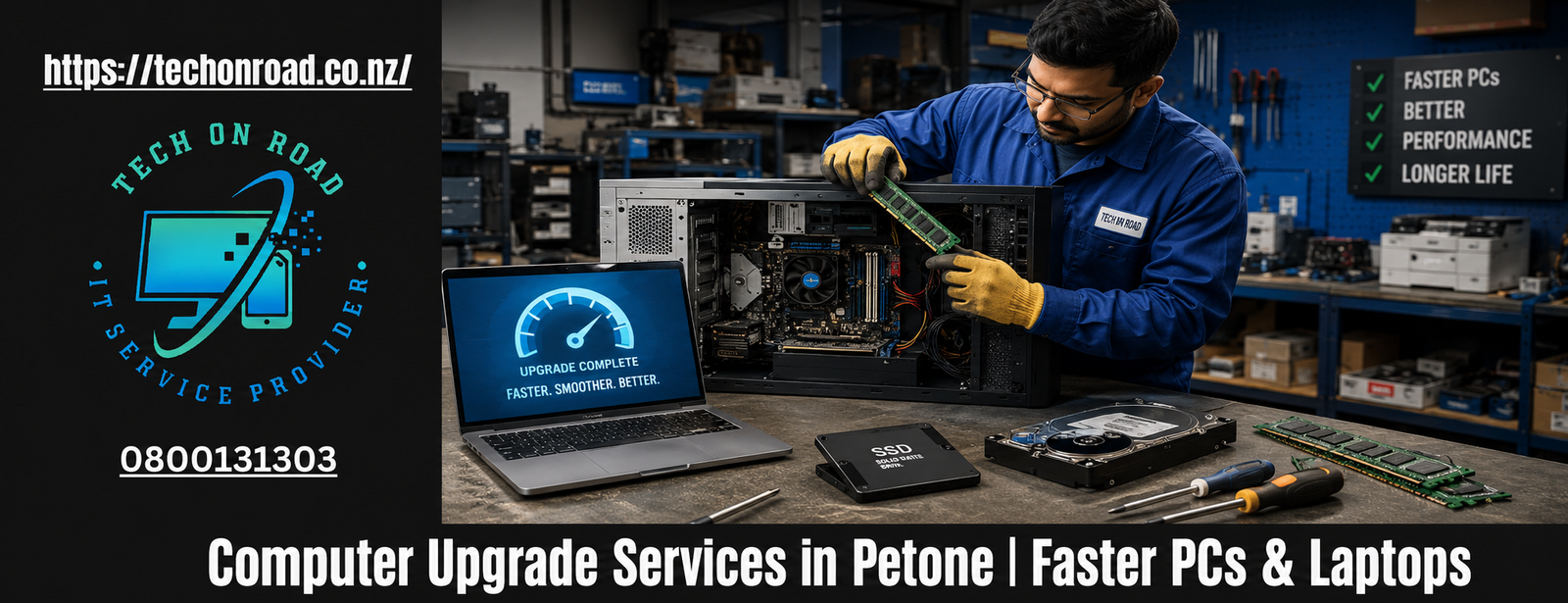
Computer Upgrade Services in Petone, NZ
A slow computer rarely becomes unusable overnight. More often, performance declines gradually until everyday tasks such as opening emails, joining video meetings, managing files, or browsing the internet start taking longer than they should.
For many households, students, remote workers, and businesses, replacing a computer feels like the only option. However, that is not always the most practical or cost-effective solution.
Professional computer upgrade services in Petone can often restore speed, responsiveness, and reliability without the expense of purchasing a new device. For those searching for on-site PC & Laptop upgrade services NZ, understanding what can be upgraded and when an upgrade makes financial sense can help extend the life of existing technology while improving day-to-day productivity.
Why More Petone Residents Are Choosing Upgrades Over Replacement
Petone continues to attract professionals, families, students, and small business owners who rely heavily on technology for work, education, communication, and entertainment. Whether operating from a home office near Jackson Street or managing daily business operations within the wider Hutt Valley, dependable computer performance is essential.
The challenge is that many users assume a slow computer automatically means it has reached the end of its useful life. In reality, a significant percentage of performance-related complaints stem from ageing components rather than complete hardware failure.
Professional computer upgrade services in Petone help identify whether a targeted upgrade can solve the problem before unnecessary replacement costs are incurred. This approach allows users to maximise the value of their existing devices while maintaining familiar software, settings, and workflows.
The Warning Signs That Your Computer May Need an Upgrade
Not every slow computer requires immediate replacement. Certain symptoms consistently indicate that an upgrade may be the more practical solution.
1. Long Startup and Shutdown Times
If your computer takes several minutes to become usable after powering on, outdated storage technology may be limiting performance. This is one of the most common reasons people seek computer upgrade services in Petone.
2. Struggles During Everyday Multitasking
Modern computing often involves multiple browser tabs, cloud applications, email platforms, spreadsheets, video conferencing software, and background security programs running simultaneously.
When systems freeze or become unresponsive under these workloads, insufficient memory resources may be contributing to the problem.
3. Storage Space Constantly Running Out
Many older computers were purchased when storage requirements were significantly lower. Today, photos, videos, applications, and business files consume far more space than they did a few years ago.
4. Performance Decline After Software Updates
Operating systems and applications continue to evolve. While updates improve functionality and security, they also increase resource requirements. Older systems may begin struggling to keep pace without targeted upgrades.
Which Upgrades Deliver the Most Noticeable Results?
Not all upgrades provide the same level of improvement. Understanding where performance gains originate helps users make informed decisions.
1. Storage Upgrades Often Produce Immediate Benefits
One of the most transformative improvements available today is an SSD upgrade Petone solution.
Traditional hard drives rely on moving mechanical components to read and write data. Solid-state drives eliminate these moving parts, allowing computers to access information significantly faster.
Users often notice improvements in:
- System startup times
- Application loading speeds
- File transfers
- General responsiveness
- Software installation performance
For many computers, upgrading storage creates the largest single improvement in user experience.
2. Memory Expansion Supports Modern Workloads
A RAM upgrade Petone solution can be particularly valuable for users who regularly multitask.
When memory capacity becomes exhausted, computers begin relying on slower storage resources to compensate. This often results in noticeable lag and reduced responsiveness.
Additional memory can improve:
- Browser performance
- Office productivity applications
- Video conferencing
- Multi-program workflows
- General system stability
3. Device-Specific Upgrade Planning Matters
Different systems require different approaches. While some desktop computers provide extensive upgrade flexibility, laptops may require more careful compatibility assessments. Professional PC upgrade services and laptop upgrade services ensure components are selected appropriately and installed correctly.
Why Professional Assessment Matters Before Upgrading
One of the biggest mistakes computer owners make is purchasing components based solely on internet recommendations.
Every device has unique limitations, compatibility requirements, and upgrade opportunities.
1. Compatibility Is Not Universal
Many users purchase components without confirming whether their motherboard, operating system, or device architecture supports them.
A professional assessment helps avoid unnecessary purchases and installation issues.
2. Bottlenecks Must Be Identified Correctly
Replacing the wrong component may deliver little improvement.
For example, a user may assume the processor is causing slow performance when the actual issue is outdated storage technology or insufficient memory.
3. Future Requirements Should Be Considered
An effective upgrade strategy should not only address current performance concerns but also accommodate future software and workload demands.
This is why experienced providers of computer upgrade services in Petone begin with diagnosis rather than assumptions.
How Onsite Upgrade Services Benefit Home and Business Users
A slow computer can quickly disrupt work, study, and everyday tasks, making it difficult to stay productive. While many people assume that declining performance means it is time to buy a new device, that is often not the case.
At Tech On Road, we provide on-site PC & Laptop repair services in Petone, NZ, and regularly find that performance issues are caused by outdated components rather than complete system failure.
Our upgrade support includes practical solutions such as SSD installation, RAM upgrades, storage expansion, data transfer support, system performance checks, and laptop speed optimisation. These services are designed for people who want a faster and more reliable computer without immediately spending money on a brand-new device.
For local support, you can contact us.
Name: Tech On Road
Address: 214 Jackson Street, Petone, Lower Hutt 5012, New Zealand
Phone Number: 0800131303
Email: help@techonroad.co.nz
Common Upgrade Scenarios We See Across Petone
Technology challenges often follow predictable patterns.
- The Remote Worker With an Ageing Laptop
A laptop that once handled daily tasks comfortably begins struggling with video conferencing, cloud applications, and browser-based workloads. Rather than replacing the device entirely, strategic computer performance upgrades frequently restore acceptable performance levels for professional use.
- The Family Computer That Has Become Frustratingly Slow
Many households share computers used for schoolwork, online banking, entertainment, and communication. Over time, these systems accumulate software, files, and performance limitations that impact usability.
- The Small Business Desktop That Still Works but Feels Outdated
Businesses often operate reliable computers that remain functional but no longer perform efficiently. Targeted upgrades can improve productivity without requiring complete infrastructure replacement.
The Role of Modern Hardware in Performance Improvement
Computer performance depends on multiple components working together efficiently.
Professional assessments often recommend a combination of hardware upgrades rather than relying on a single change.
Key areas include:
- Storage improvements
- Processor support evaluation
- Graphics considerations were relevant
- Cooling and stability checks
- Overall component compatibility
The goal is not simply replacing parts but achieving meaningful performance improvements aligned with user needs.
Beyond Speed: Other Benefits of Upgrading
Performance is only one advantage associated with professional upgrades.
- Better Reliability: Older storage devices become more susceptible to failure over time. Upgrades can reduce reliability risks and improve system stability.
- Improved Productivity: Tasks are completed faster, applications respond more quickly, and users spend less time waiting for systems to catch up.
- Enhanced User Experience: Features such as Windows performance improvement, improved boot speeds, smoother multitasking, and faster file access create a noticeably better computing experience.
- Longer Device Lifespan: Strategic technology upgrades often extend the useful life of computers by several years, delaying replacement costs.
Understanding the Difference Between a Good Upgrade and a Temporary Fix
Not every performance issue can be solved through quick fixes or software cleanups.
Sustainable results require a combination of proper diagnosis and suitable upgrades.
This may involve:
- SSD installation
- Targeted memory upgrades
- Strategic desktop upgrades
- Practical optimisation measures
- Long-term laptop speed optimisation
- Comprehensive system enhancement
When performed correctly, these improvements address root causes rather than temporarily masking symptoms.
Making the Right Technology Decision for Your Situation
Choosing between replacement and upgrade is rarely a one-size-fits-all decision. The most effective approach begins with understanding how the computer is used, identifying performance limitations, and evaluating whether existing hardware still has practical value.
For many users throughout Petone, the answer is surprisingly straightforward: an intelligently planned upgrade can deliver substantial improvements while avoiding unnecessary expenditure.
Professional computer upgrade services in Petone provide the expertise needed to assess options objectively, while helping users achieve better performance, improved reliability, and greater value from their technology investments.
Before assuming a slow computer must be replaced, it is worth considering whether the right upgrade could transform the way it performs every day